Tip 3: Your Photos on Google & Yelp
Fact: Thousands of people are viewing your church’s photos on Google and Yelp. Take ownership—those images play a real role in whether someone decides to visit on a Sunday.
Over the years, I’ve seen some terrible cover photos on church listings… and nothing gets done about it. (In my next post, I’ll share five examples that are publicly visible.)
Churches: Just because you have great photos on your website or social media doesn’t mean people will see them. Many people searching for a church will check your Google listing first before deciding whether to dig deeper or visit your website. Those images are crucial in that first step of the search process.
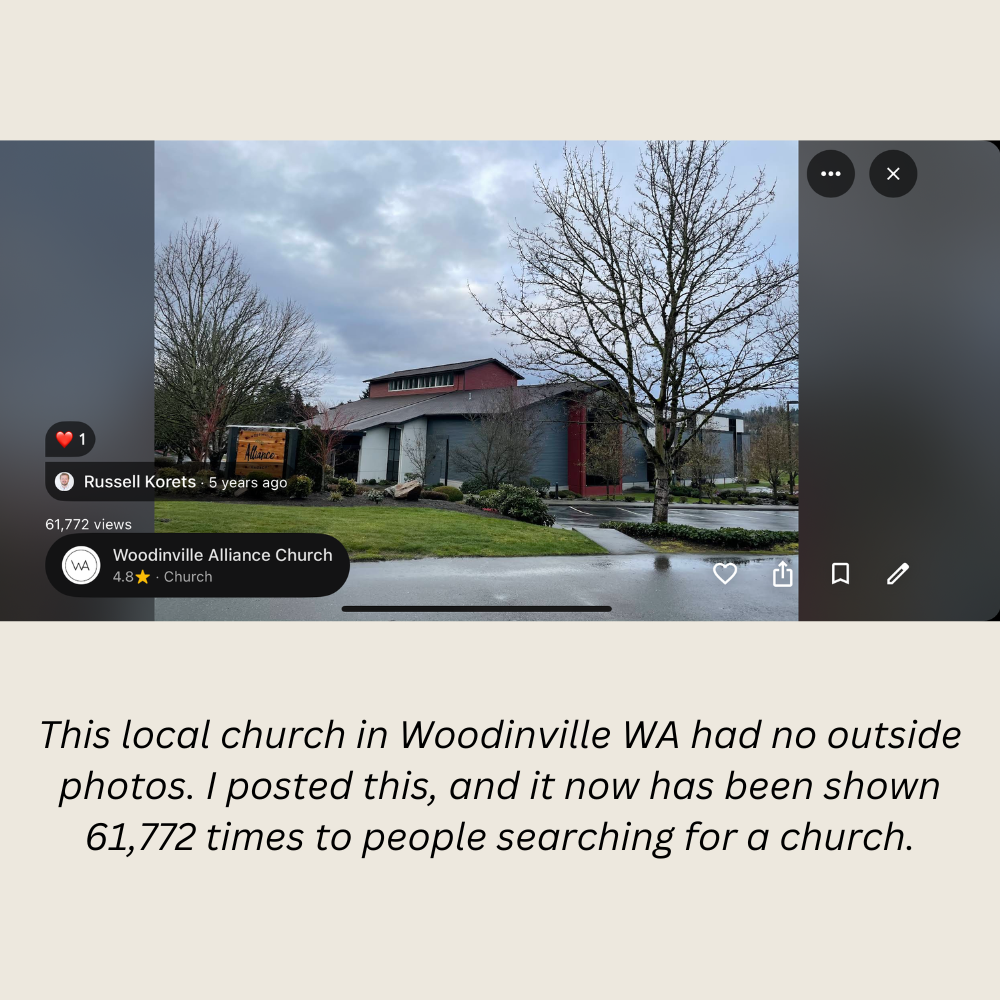
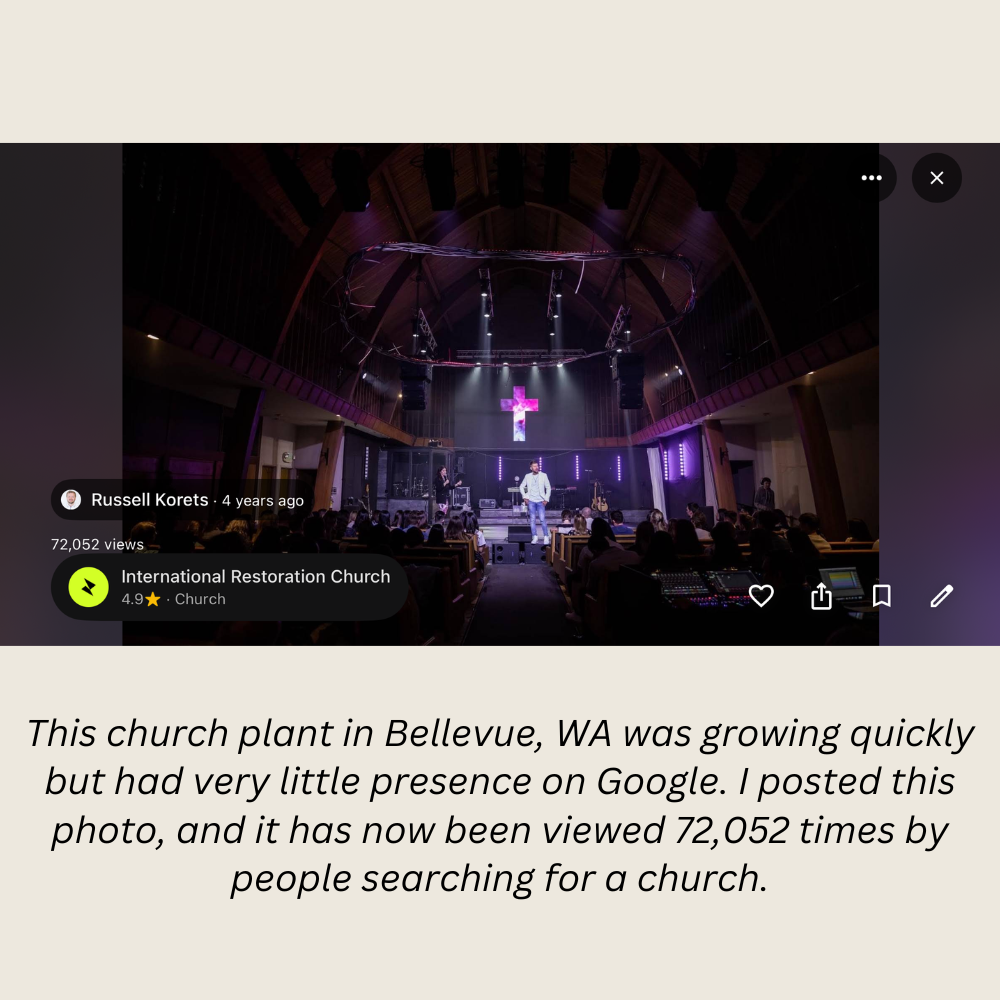
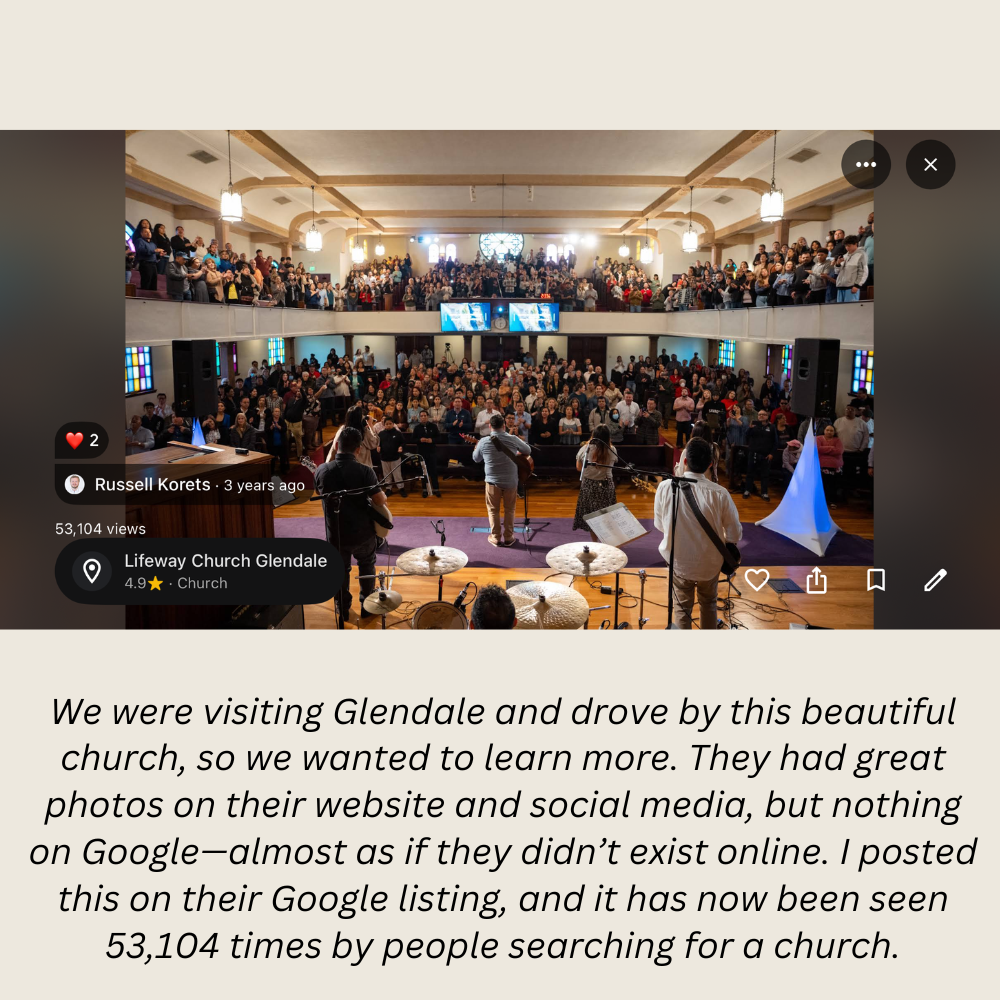
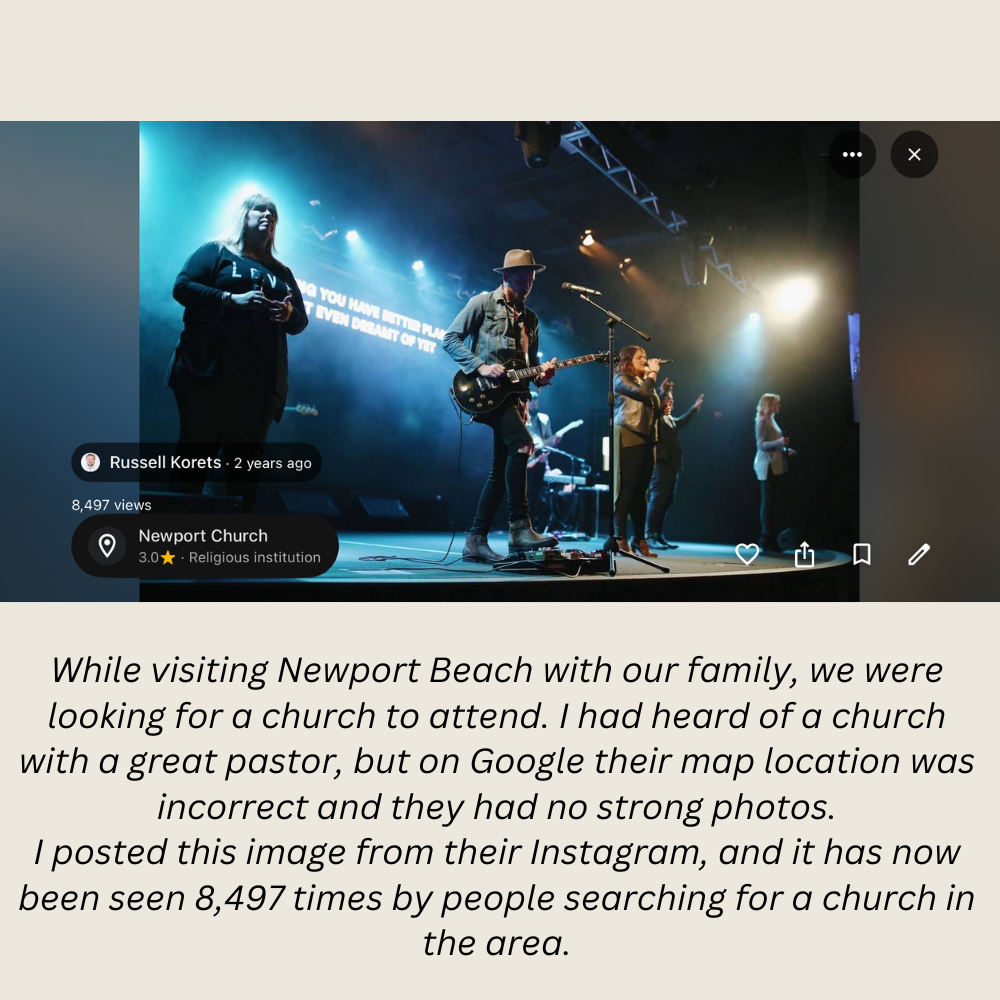
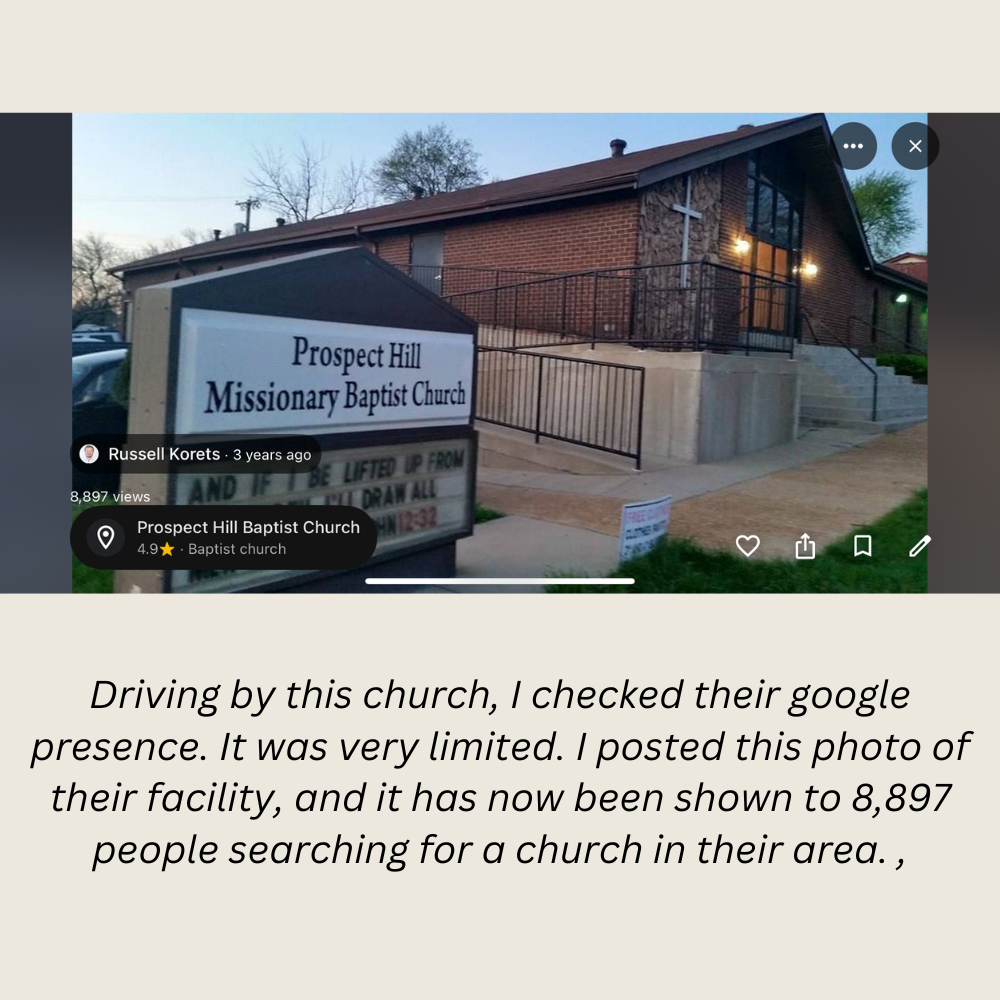
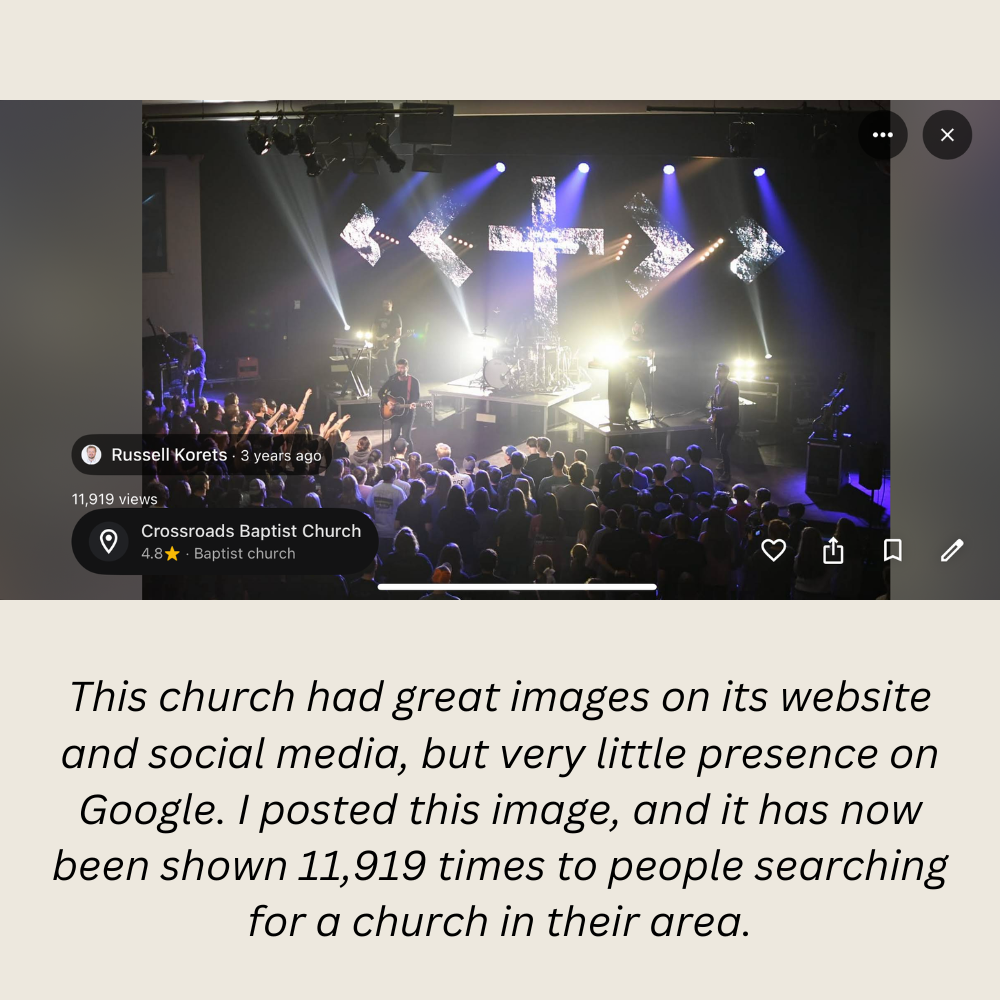
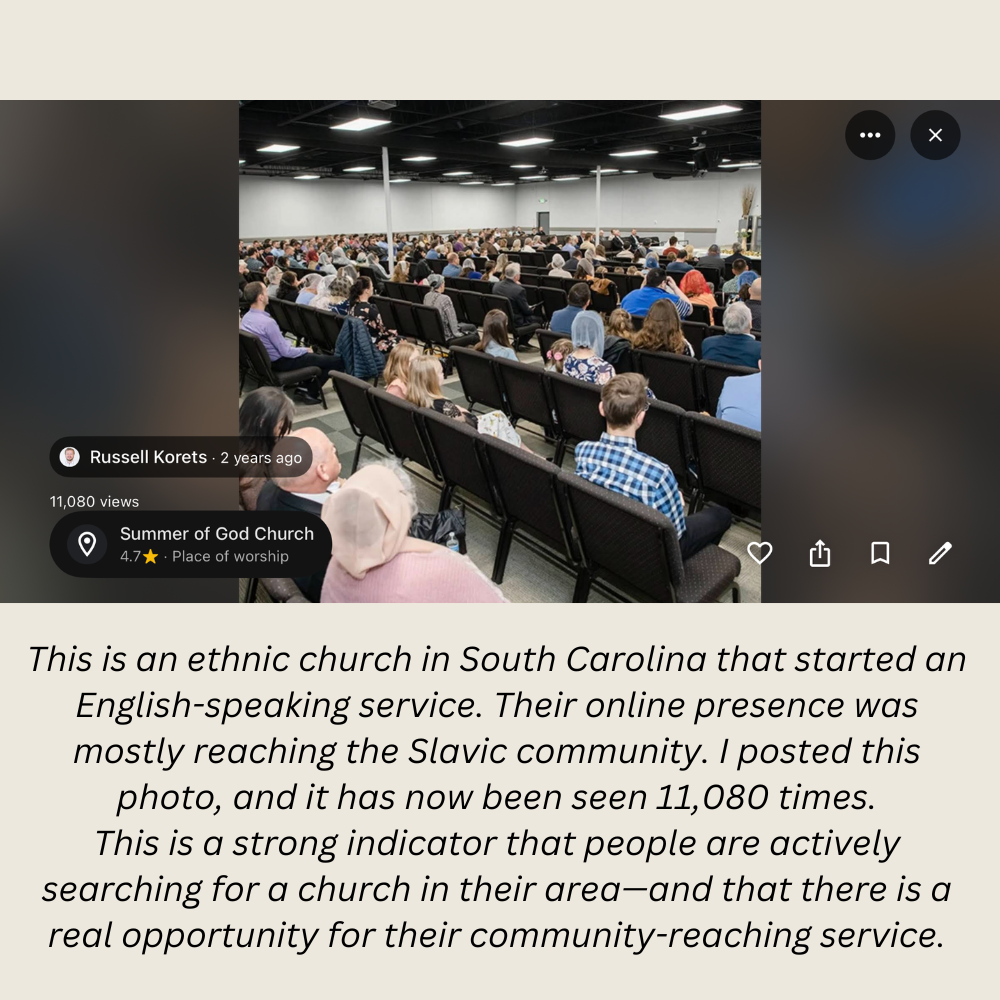
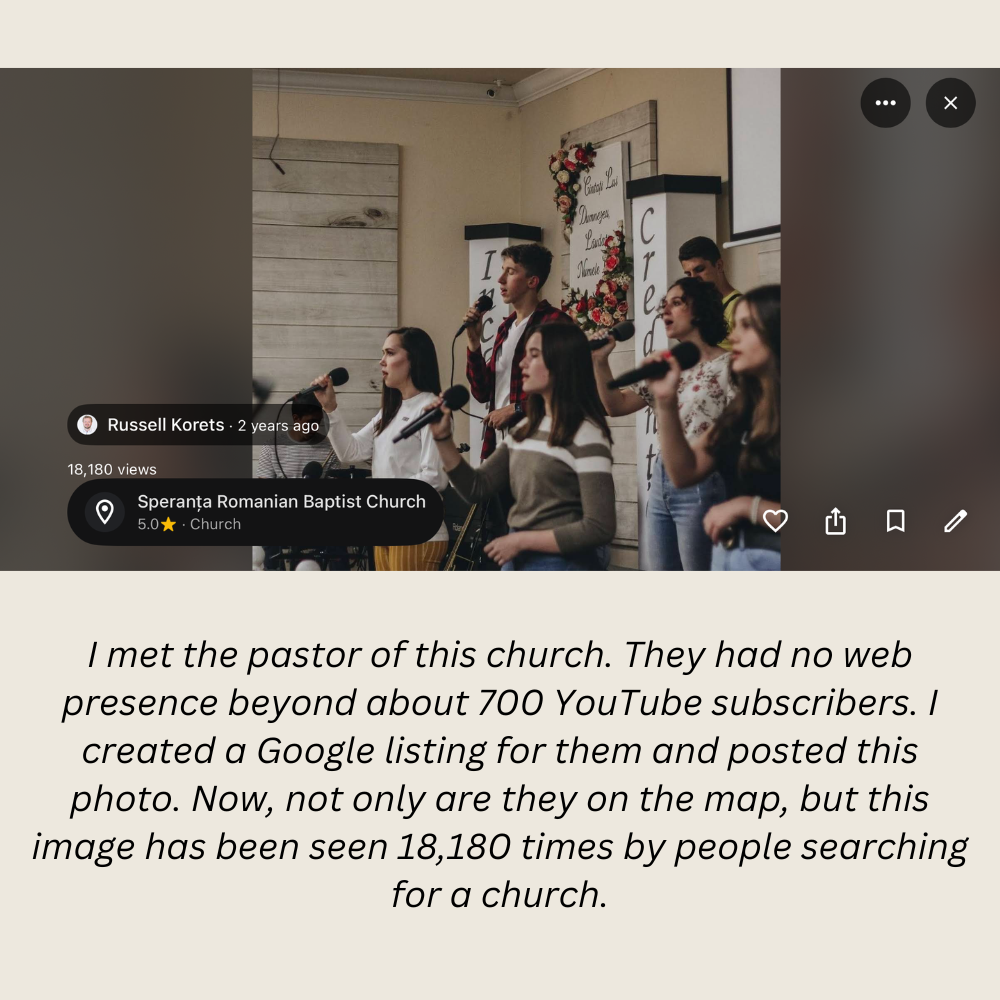
I’ve also come across churches with no photos at all—so I’ve added a few myself. When I checked back later, those photos had been viewed thousands of times.
TIP: Take ownership of your church’s photos.
Post images of:
· The exterior (so people can recognize the building)
· The interior (so it feels familiar)
· The Sunday experience (so they know what to expect)
Why does this matter?
Because first-time guests often feel uncertain. Good photos help remove that barrier and make it easier for someone to walk through your doors.
Take a look at some of the photos I’ve posted for different churches—and the number of views they’ve received. These photos appear on Google Maps, on Apple Maps (from Yelp) and other locations. Hopefully this inspires you to take care of your church’s listing!
And stay tuned… next time I’ll show you some terrible photos currently sitting on church profiles 👀
PRO TIP: You can’t always control what photos others post on your listing—but you can remove many of them by flagging them while logged in as an admin. If you need help with that, I’d be glad to assist.